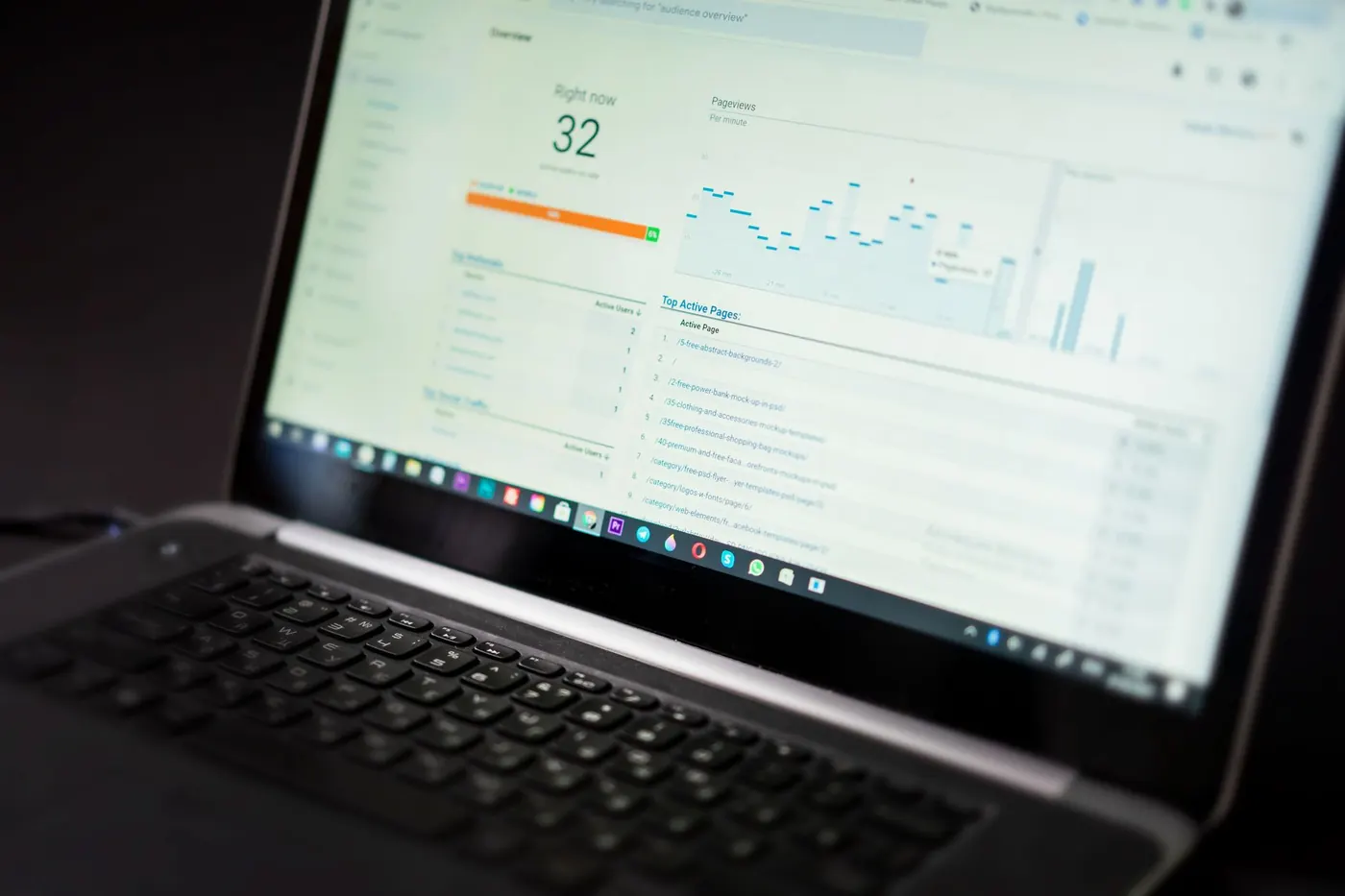
- Connect Search Console to Semrush so your own click and impression data sits beside competitor and market estimates.
- Use Search Console for what actually happened and Semrush for what could happen next.
- Filter for queries ranking in positions 8 to 20 with healthy impressions and low clicks to find the fastest wins.
- Review the combined data monthly and tie every change to a logged page-level action.
Search Console and Semrush are often treated as rivals, but they answer different questions. Search Console tells you what Google actually showed and what people clicked on your site. Semrush tells you what exists beyond your site: keywords you do not rank for, competitors' pages, and technical problems found by a crawler. Used together, they close the gaps in each other. Here is a practical way to do it.
Why the two tools work better together
Search Console is first-party data. It is accurate for your own property, but it only shows you queries where you already appeared. Semrush uses estimated third-party data, so its traffic and volume figures are modelled, not measured. That makes it weaker on precision but far stronger on discovery and comparison.
- Search Console: real impressions, clicks, average position, indexing status, and page experience signals.
- Semrush: competitor gaps, keyword difficulty, SERP features, backlink data, and scheduled site audits.
Treat Search Console as the source of truth for your performance, and Semrush as the map of opportunity.
Connecting the accounts properly
Inside a Semrush project, open the relevant tools such as Site Audit, Position Tracking or Organic Research, and look for the option to connect Google accounts. Sign in with a Google account that has access to the Search Console property, and grant the requested permissions.
- Use a domain property in Search Console where possible so all protocols and subdomains are covered.
- Connect with a shared agency or company login rather than one employee's personal account, so access survives staff changes.
- Confirm the right property is selected, especially if you manage several regional or staging sites.
- Check that data is flowing after a day or so before building reports on it.
If you also connect Google Analytics, you can see engagement beside search data, though Search Console alone is enough to start.
Find quick wins in the position 8 to 20 band
The most reliable use of the combination is finding pages that are close to meaningful visibility. In Search Console, export queries with solid impressions where your average position sits between roughly 8 and 20. These pages already have relevance in Google's eyes and need a push.
Then bring them into Semrush:
- Check keyword difficulty and the SERP features present. If a featured snippet or a list of video results dominates, your fix may be format, not more words.
- Look at who ranks above you in the competitor view and compare headings, depth, freshness and intent match.
- Group queries by page, so one update serves several related terms rather than creating thin new pages.
Typical fixes include rewriting the title and opening to match intent, adding a missing section competitors cover, improving internal links from stronger pages, and updating stale facts.
Diagnose low click-through rate and cannibalisation
High impressions with weak clicks usually means the snippet is not persuading, or an AI summary or rich result is absorbing attention. Search Console shows the symptom. Semrush helps you see the cause by showing which features appear for the query and how competitors word their titles.
For cannibalisation, filter a single query in Search Console and view the pages listed for it. If two of your URLs trade places, confirm in Semrush's tracking whether rankings swing between them. Then consolidate: merge the weaker page into the stronger one with a redirect, or sharpen each page to a distinct intent.
Pair technical findings with indexing reality
Semrush Site Audit crawls your site as a bot would and flags broken links, redirect chains, duplicate titles, thin content and slow templates. Search Console's page indexing report shows what Google actually decided to index or exclude. Compare the lists.
- A page flagged as healthy by the crawler but listed as discovered, not indexed suggests a quality or internal linking problem.
- Pages with crawl errors in both tools should go to the top of the fix list.
- Use the Core Web Vitals report to prioritise templates, then confirm improvements with a fresh audit.
Prioritise by business value. A broken link on a high-converting service page matters more than fifty warnings on old tag archives.
Build a simple monthly reporting loop
Data is only useful if it drives action. A light monthly routine keeps the work honest:
- Export the top gaining and losing pages from Search Console.
- Check Semrush Position Tracking for competitor movements that explain the losses.
- Log each change with the URL, date and reason, so you can judge results later.
- Review again after four to six weeks, since rankings need time to settle.
Remember that the two tools will never match exactly. Differences in sampling, location and modelling are normal, so watch trends rather than arguing over single numbers.
Conclusion
Semrush finds the opportunities and Search Console confirms what is really happening. Connect them, target pages close to page-one strength, fix intent and snippet problems, and reconcile technical audits with indexing data. If you would rather have specialists run this workflow for you, Growth Asteroid can set it up, interpret it and turn it into measurable growth.
Frequently asked questions
Is Semrush data the same as Search Console data?
No. Search Console reports real activity on your own site, while Semrush mostly provides estimates built from its own datasets. Expect differences and focus on direction and trends.
Do I need both tools?
Search Console is free and essential for any site. Semrush adds competitor research, rank tracking and audits, which is valuable if you compete in crowded markets or manage multiple sites.
How often should I review the combined data?
Monthly works well for most businesses, with weekly checks on key pages after major changes or if you notice sudden traffic drops.